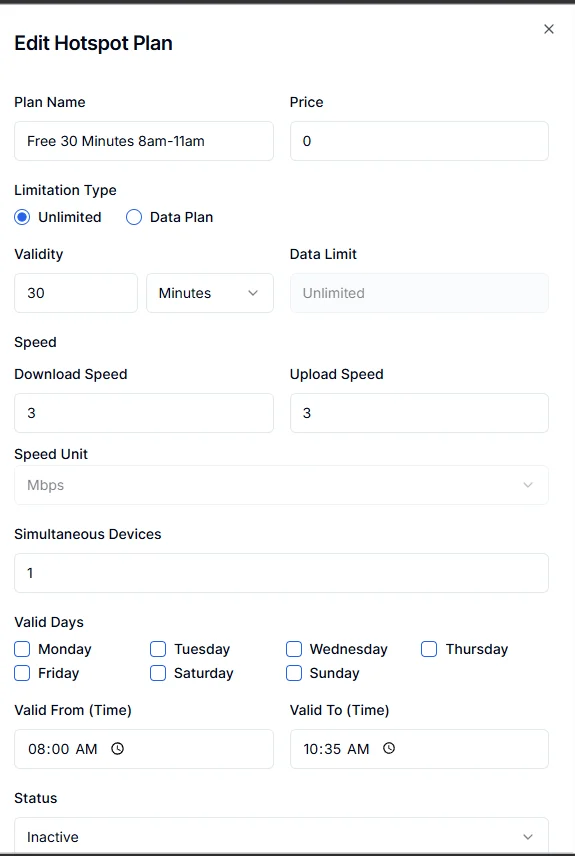
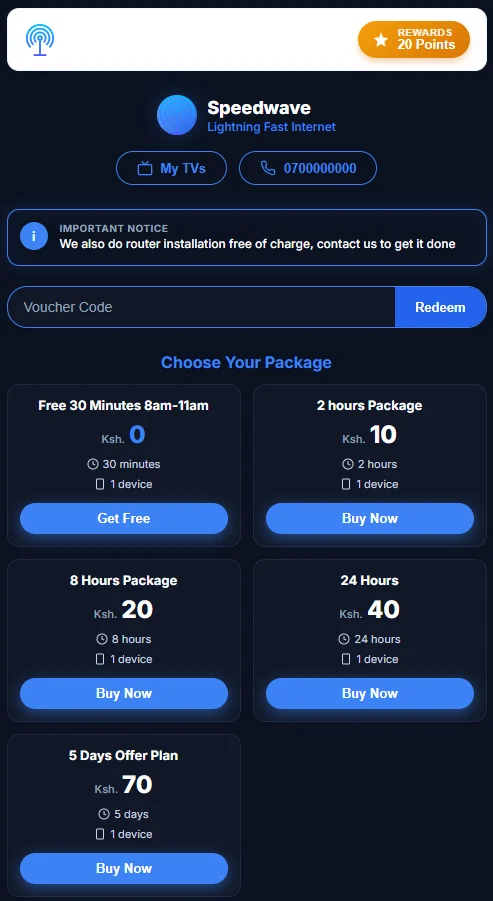
In Lipanet, you can schedule free packages for your customers at a specific time, which helps reduce the hassle of creating free plans.
For example, you can add a free plan from 7 am to 9 am that provides your users with free internet for a specific period. How to add a scheduled free planGo to the internet plans, then hotspot. Click Add New Plan. In price, put** 0. **This will let the system know that it is a free plan, enter the duration, and the speed you want to give your customers.
You can select valid days (leave blank for daily). Select valid from and valid to (for example, 8 am to 11 am), the plan will only be visible during that period and automatically disappear once it is past the valid to