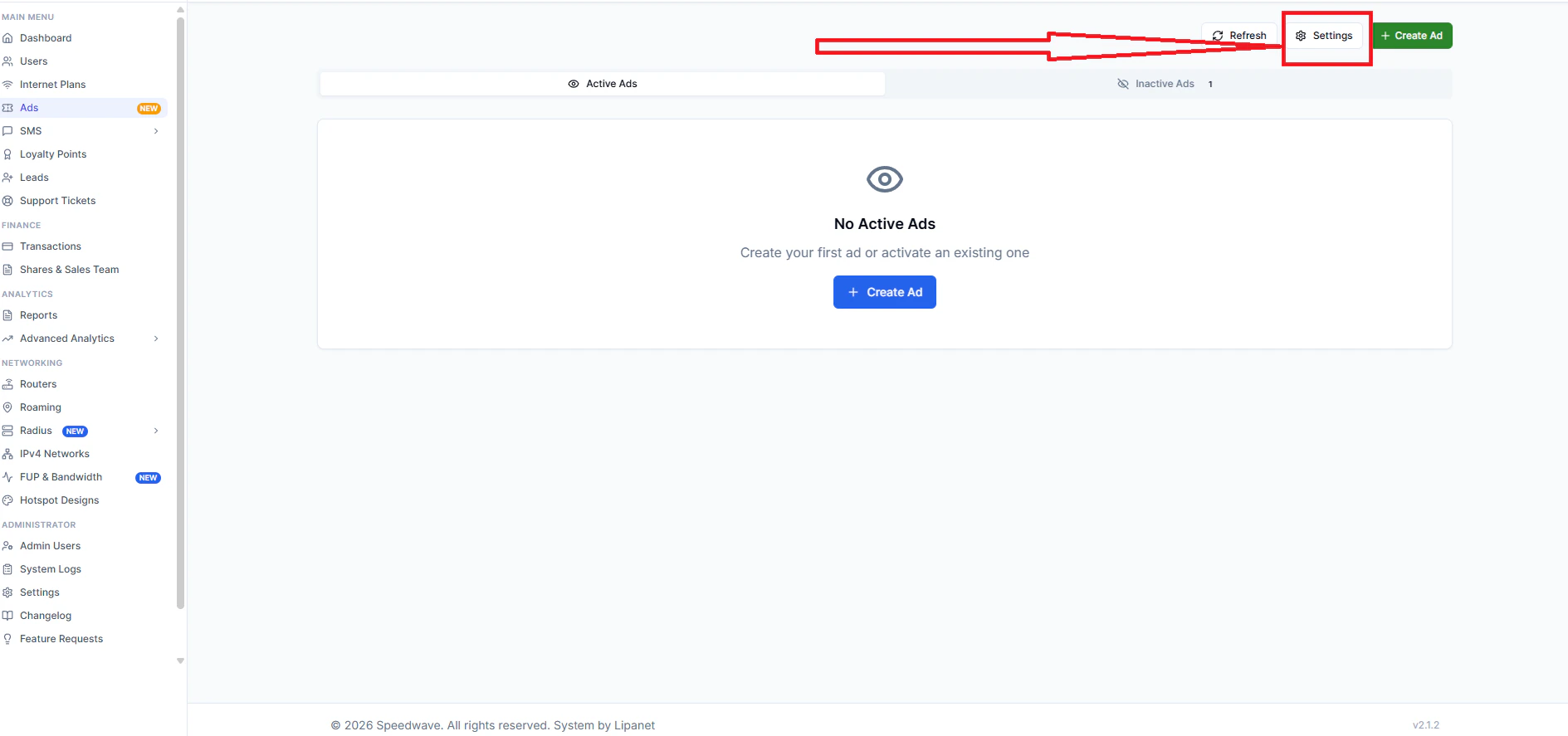
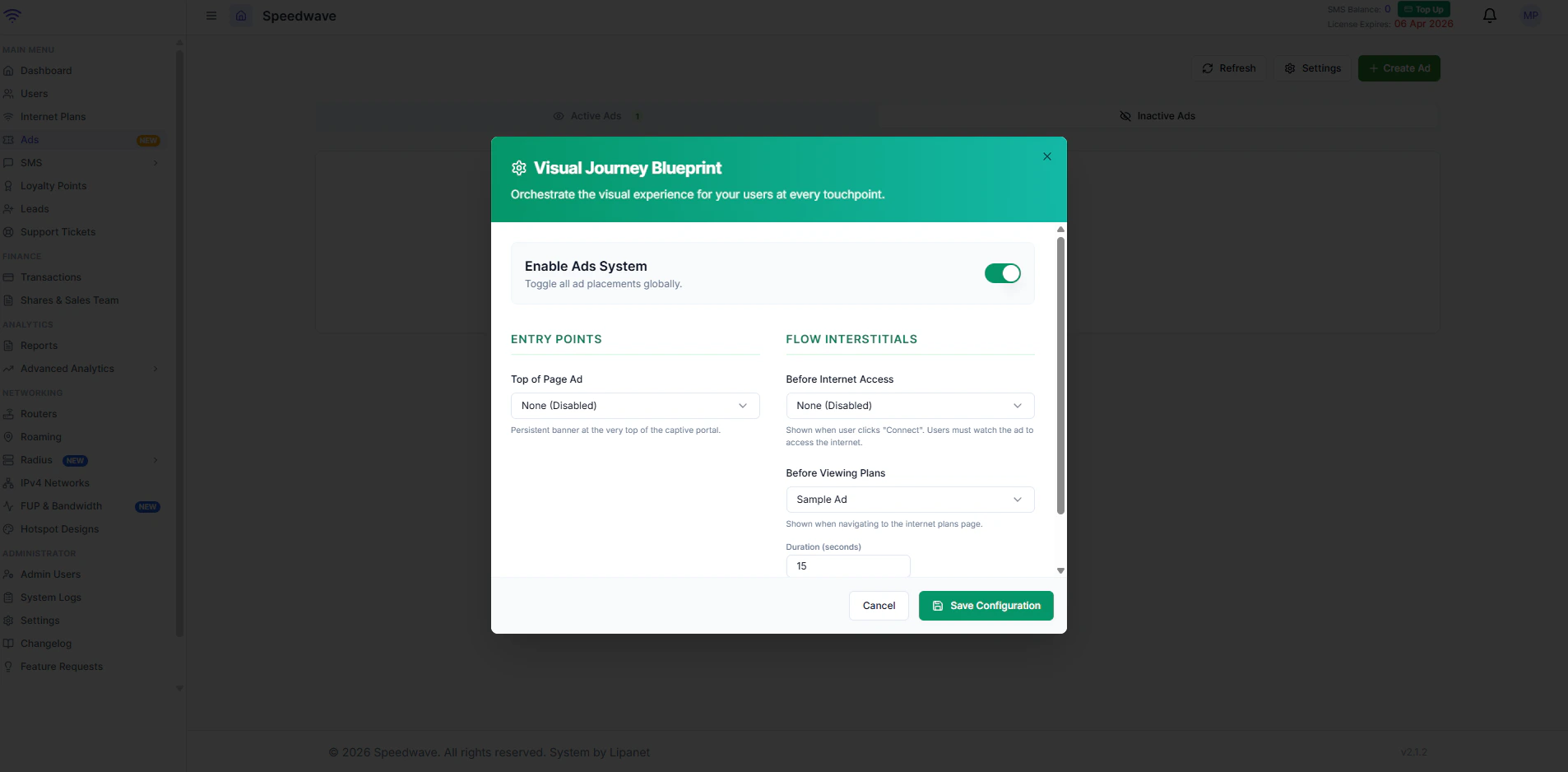
- Top of page: This ad displays on top of your page, for all users when buying
- **Before Internet Access: **This is the ad that the user will watch to access the internet. You can set the plan to assign the user after watching
- Before plans: This is the Ad that displays on the page and plays before displaying the plans
How to create Ads
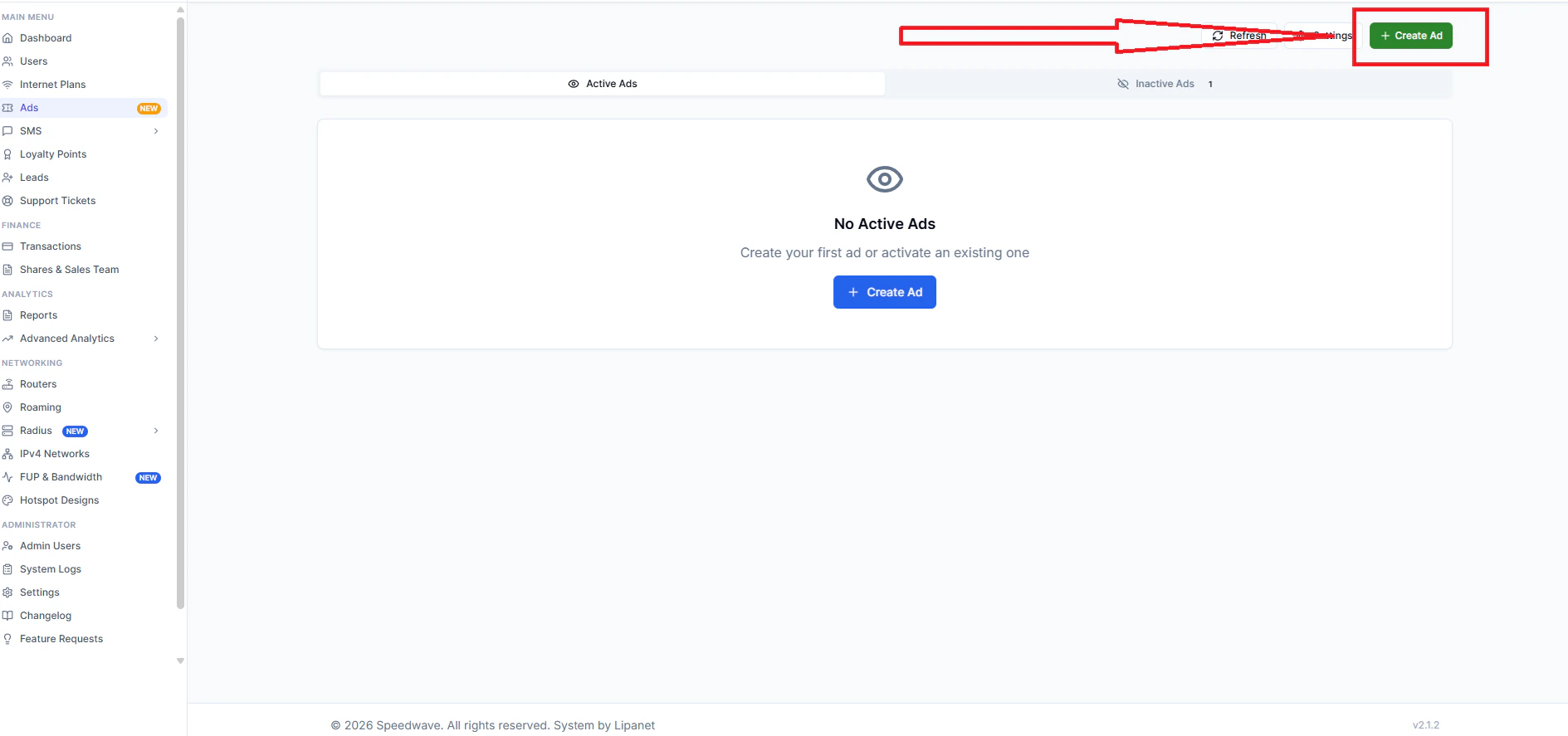
On your account, click ads On the page, click Create ad